Documentation
imdone Kanban docs
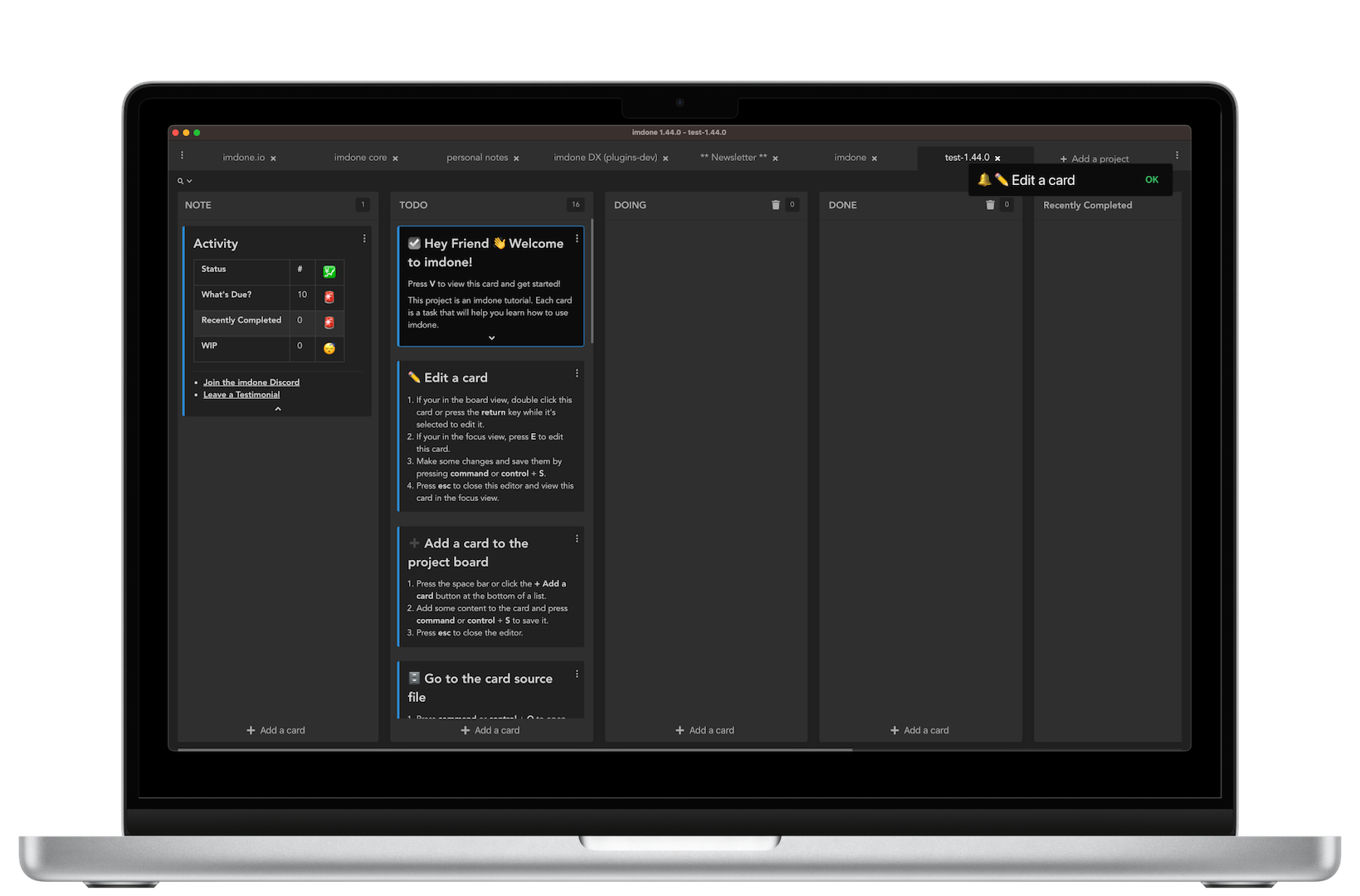
Imdone is a simple and powerful kanban board for people who work with markdown and code.
Blocks of markdown in your notes, docs and code are represented as cards on your project boards.
You can add and edit cards using the built in card editor or your favorite text/markdown editor, making it very convenient to update your tasks while you’re working on a markdown document or code.
Adding a project
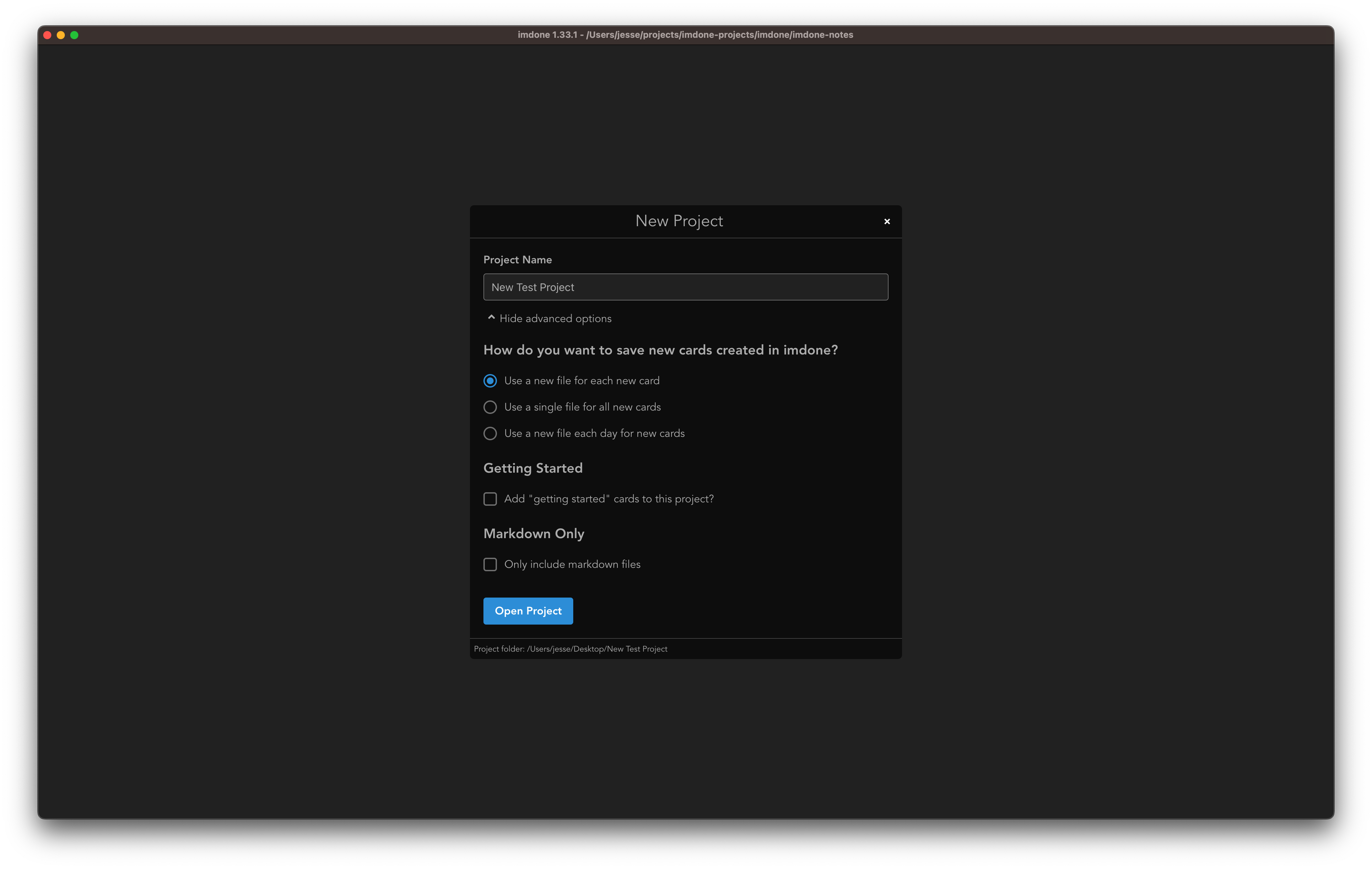
Open imdone and click Choose Folder. After selecting a folder for your project you can modify the name and advanced options before clicking Open Project.
When you click Open Project, imdone will scan your project folder for TODO comments and place them on your project board.
While imdone is running it listens for file changes in your project and updates your board.
You can organize your cards by dragging them on the project board. When a card is moved to a new list or position, imdone changes the token (e.g. TODO) in the file.